Delta Force Name Generator 2026: 240+ Cool Names & Symbols
Delta Force names are callsigns of symbols, frames and stylised letters that make a name in Team Jade's Delta Force read sharper than plain text. It covers frames like ꧁☠︎꧂ and ༺☠︎༻, letters like ⟦ᴘʜᴀɴᴛᴏᴍ⟧ and symbols like ⚔︎ ⌖. Delta Force names work by copy and paste into the rename box, no app needed.
Results for “Delta Force”
tap a card to copyRecommended - popular
Delta Force for boys
Delta Force for girls
All styles
🎨 Stylish emojis & decorations for Delta Force
tap to copy🔗 Related suggestions
📈 Trending names
last 7 days · tap to generate🏆 Most-created names
last 28 days · tap to generateCommunity nicknames for —
🆕 Just added for —
Add your own
By Hoàng Dương Dũng, founder of NickGen · Updated October 1, 2026 · Name rules checked on October 1, 2026 against the publisher listing and player reports; NickGen did not enter each name in the game, so preview it in the rename box first.
On this page
- What makes a good Delta Force name?
- Delta Force name rules
- Cool Delta Force names
- Sweaty & tryhard names
- Clan & squad names
- Hazard Operations & Warfare callsigns
- Military kaomoji & emoji
- Special characters & symbols
- How to change your name in Delta Force
- Are these fonts or Unicode?
- FAQ
What makes a good Delta Force name?
The best Delta Force name is short, easy to read in the kill-feed and framed with one or two symbols the game accepts. Because renames in Delta Force use a limited rename card, it pays to pick a name you will keep — style it once, and make it yours.
Five things worth checking before you lock in a name:
- Length. Keep the readable core short. Long tags get squeezed on the scoreboard and the elimination feed.
- Readability. Your name is seen for a split second mid-fight — avoid stacked fonts that blur at small size.
- Filter-safe symbols. Delta Force blocks many glyphs. Use the tested tactical symbols below rather than whatever looks fanciest.
- Uniqueness. Swap one letter or symbol so you are not sharing an identical copy-paste tag with the lobby.
- Playstyle fit. Pick a tone first — cold and clean, sweaty and aggressive, or a clan tag — then style the word to match.
Type your word into the generator above to see every style at once, or start from the ready-made lists below. It runs on the same engine that powers NickGen.
Delta Force name rules (checked October 1, 2026)
Delta Force lets you change your name in Settings → Privacy Compliance → Profile Management, and each change after the first costs a rename card. The game does not publish an official length limit or symbol list, so the table marks what is confirmed and what you should check yourself.
| Rule | What we know | Source / status |
|---|---|---|
| Developer and publisher | Developed by Team Jade; published by TiMi Studio Group, with Garena publishing in Southeast Asia, Latin America and MENA | Public game listing, read Oct 1, 2026 |
| Platforms | PC (Jan 20, 2025), iOS and Android (Apr 21, 2025), PS5 and Xbox Series X|S (Aug 19, 2025), with cross-platform progression | Public game listing, read Oct 1, 2026 |
| Where to rename | Settings → Privacy Compliance → Profile Management | Player reports on the Steam community, Dec 2024 |
| Cost | A rename card for each change | Player reports; check the card count in your inventory |
| Length | No official number published; keep the readable core to about 12 characters so it fits the scoreboard | NickGen advice, not a game rule |
| Symbols | Box-drawing marks, stars and tribal frames are the common picks; colour emoji often fail | Not entered in-game by NickGen — preview before you confirm |
Cool Delta Force names
Cool Delta Force names pair a punchy operator-style word with one clean symbol or a stylish Unicode font. Tap any name to copy it, then paste it into the game.
Sweaty & tryhard Delta Force names
Sweaty and tryhard Delta Force names lean into aggression — sharp words, blades and skulls that read as “I sweat this game”. Copy any tag below.
Delta Force clan & squad names
Squad and clan names work best when every member shares one short tag or theme. These Delta Force clan names use matching frames so your fireteam looks coordinated in Warfare.
Hazard Operations & Warfare callsigns
These 24 Delta Force callsigns are written for the two main modes: careful extraction runs in Hazard Operations and big objective fights in Warfare. Each one notes the playstyle it suits, and every symbol in them is one from the tactical list on this page.
Military kaomoji, symbols & emoji for Delta Force
Kaomoji with rifles, military symbols and emoji suit Delta Force squad chat, clan posts and Discord bios more than the name field itself. Text kaomoji like ( -_•)╦̵̵̿╤─ copy as plain text; colour emoji often fail in game names, so keep them for chat and profiles.
Soldier and sniper kaomoji
Military and tactical symbols
Emoji for squad chat and bios
Want colours instead? On Minecraft servers you would use Minecraft color codes for the same job; Delta Force names stay single-colour.
Delta Force special characters & symbols
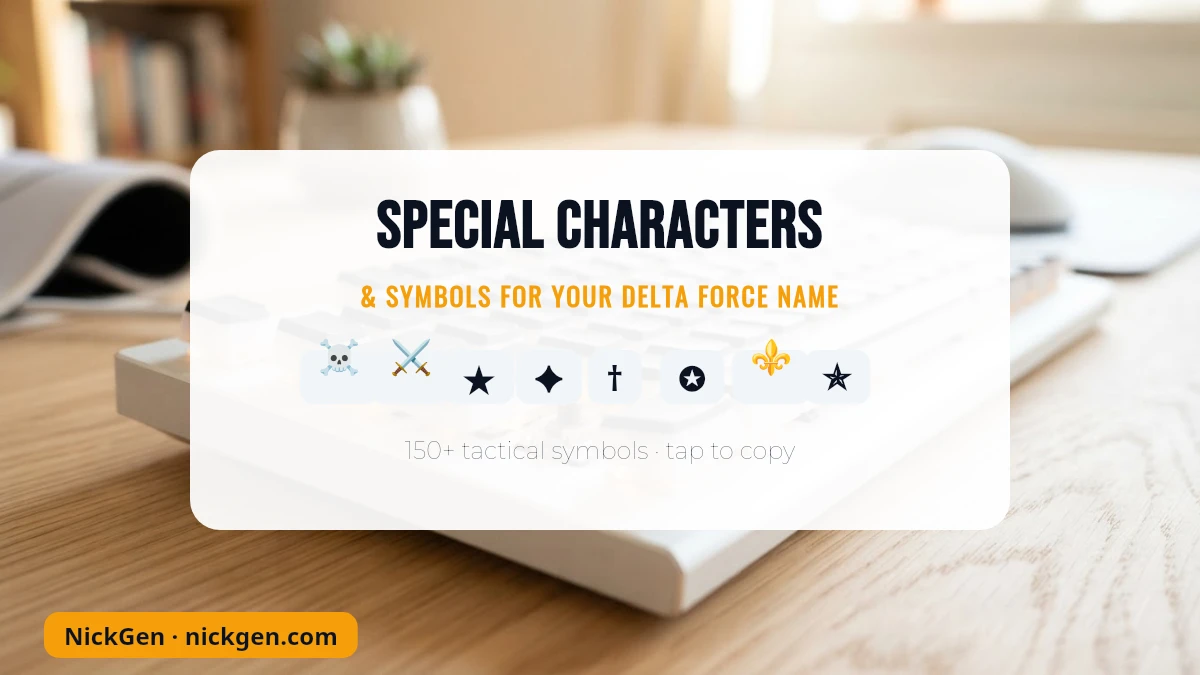
These are the special characters and symbols players actually use to decorate Delta Force names — blades, skulls, stars, tribal marks and the classic gun ASCII. Copy any one and place it before or after your tag.
Text symbols like these are the most likely to pass Delta Force’s name filter. Color emoji (🔥💀⚔️) usually get stripped from the name field, but they are perfect for your bio, TikTok or Discord — see the honesty note below.
How to change your name in Delta Force
To change your name in Delta Force, open the in-game Settings, go to Privacy Compliance → Profile Management and edit your display name; the first name you receive is random, and further changes consume a rename card. Paste your stylish name there and confirm.
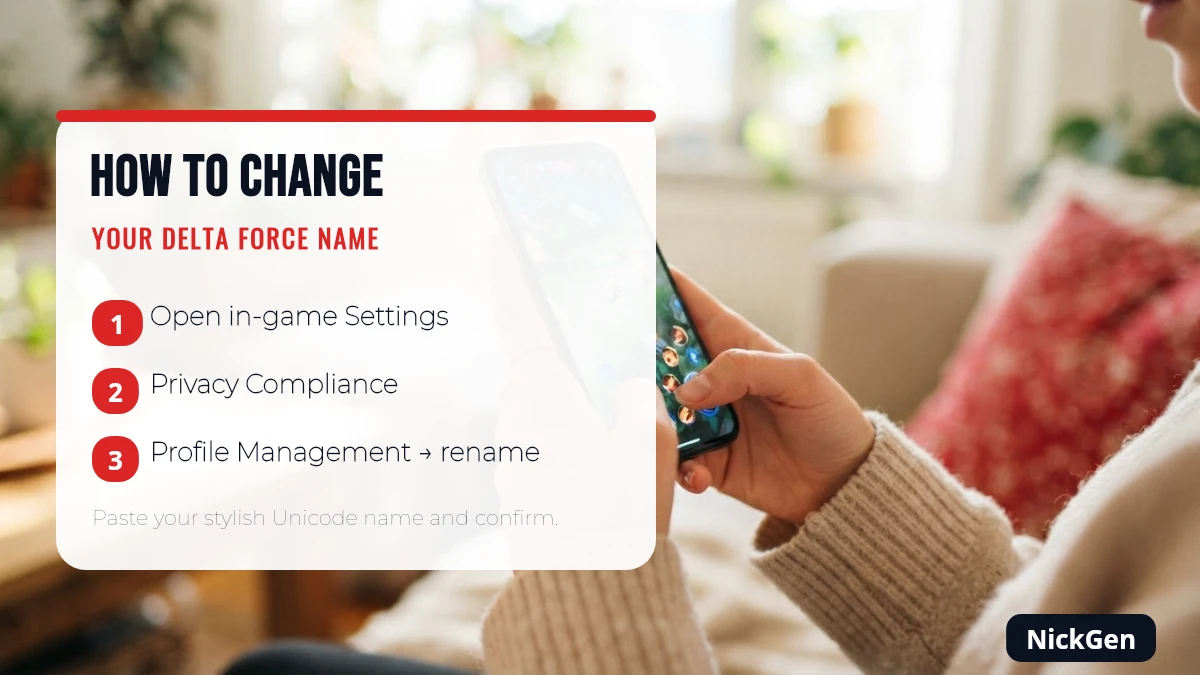
- Open Delta Force and go to Settings (gear icon).
- Select Privacy Compliance, then Profile Management.
- Tap your current name, long-press the field and choose Paste to drop in the name you copied above.
- Confirm the change. If prompted, apply a rename card — so preview the name first.
Tested against community and developer guidance as of July 2026. Menus can shift between updates and platforms (PC, mobile, console), so if a label differs, look for the profile or account section.
Are these Delta Force fonts or Unicode?
They are Unicode characters, not fonts. A “stylish font” like 𝗕𝗼𝗹𝗱 or ᴀᴇsᴛʜᴇᴛɪᴄ is really a set of Mathematical Alphanumeric and small-cap Unicode symbols that copy like normal text — which is why they paste into a name field without installing anything.
Because they are Unicode, support varies. Delta Force’s name filter accepts many letters and symbols but rejects others, and results can differ by region, device and patch. Players and the developers have discussed which characters stick, so always preview a name in the game’s own field before spending a rename card. If you also play other shooters, our Blood Strike names guide covers the same idea for that game.
Delta Force name FAQ
How do I change my name in Delta Force?
Open in-game Settings → Privacy Compliance → Profile Management and edit your display name. Your first name is assigned randomly, and additional changes use a rename card, so preview the new name before you confirm.
Can I use symbols in my Delta Force name?
Often, yes. The name filter accepts many Unicode letters and symbols — the tactical marks in the list above are the safest — but it rejects some glyphs, and color emoji are usually stripped. Support varies by region and patch, so test in-game first.
What is a good name for Delta Force?
A good Delta Force name is short, easy to read in the kill-feed, unique, and framed with one or two filter-safe symbols that match your playstyle. Style a word you like in the generator above, then tweak one character so it is yours.
Is this Delta Force name generator free?
Yes. NickGen is completely free and needs no sign-up. The word you type is sent to our API to be styled, and only a per-name counter is kept, deleted after 35 days. Copy as many names and symbols as you like.
Is NickGen affiliated with Delta Force or Team Jade?
No. NickGen is an independent fan tool and is not affiliated with, endorsed by, or sponsored by Team Jade, TiMi Studio Group, Level Infinite or Delta Force. Stylish names use public Unicode characters, not fonts, and may not display in every game or app.
Related articles
How to Change Your Blood Strike Name 2026 (Free Name Change Card)
Blood Strike Codes October 2026: 7 Codes to Copy & Check