Minecraft Color Wizard
Minecraft color codes are § codes, a section sign plus 0–9 or a–f, that colour text in chat, signs, books and MOTDs. Type text into the Minecraft Color Wizard and get the coded line with a live preview. Minecraft color codes work in one tap: copy, then paste into a Bedrock sign or server.properties.
Enter text to generate code...
Enter text to generate code...
Enter text to generate code...
- • Click on characters to edit colors
- • Use gradient for beautiful effects
- • RGB mode for millions of colors
- • Try RGB presets for inspiration
- • Magic text will flicker
- • RGB works on 1.16+ servers
On this page
- Minecraft color code chart (§0–§f)
- Formatting codes §k–§r
- Bedrock-only colour codes
- Ready-made coloured names and MOTD lines
- Where color codes work in Java and Bedrock
- How to type the § symbol
- FAQ
Minecraft color code chart (§0–§f)
Minecraft has 16 text colours, each written as § plus one character from 0–9 or a–f; §c is red and §6 is gold. Tap a code to copy it. The & column is the same colour for servers whose chat plugins swap & for §.
| Colour | Code | Server code | Name in JSON | Hex (Java) | Good for |
|---|---|---|---|---|---|
| Black | black | #000000 | Outlines, dark signs | ||
| Dark Blue | dark_blue | #0000AA | Calm staff tags | ||
| Dark Green | dark_green | #00AA00 | Survival, nature builds | ||
| Dark Aqua | dark_aqua | #00AAAA | Ocean and ice themes | ||
| Dark Red | dark_red | #AA0000 | Warnings, PvP arenas | ||
| Dark Purple | dark_purple | #AA00AA | Magic, the End | ||
| Gold | gold | #FFAA00 | VIP ranks, rewards | ||
| Gray | gray | #AAAAAA | Quiet info text | ||
| Dark Gray | dark_gray | #555555 | Brackets and dividers | ||
| Blue | blue | #5555FF | Links, team blue | ||
| Green | green | #55FF55 | “Online”, success | ||
| Aqua | aqua | #55FFFF | Diamonds, highlights | ||
| Red | red | #FF5555 | Errors, team red | ||
| Light Purple | light_purple | #FF55FF | Cute names, events | ||
| Yellow | yellow | #FFFF55 | Announcements | ||
| White | white | #FFFFFF | Plain body text |
Formatting codes §k–§r
Formatting codes change the style, not the colour: §l makes text bold, §o makes it italic and §r resets everything. Put the colour code first and the format code after it, as in §6§l, because a colour code clears any format that came before it.
| Code | Server code | Effect | What it does | Works in |
|---|---|---|---|---|
obfuscated | Scrambles letters into moving random glyphs | Java + Bedrock | ||
bold | Thick letters | Java + Bedrock | ||
strikethrough | Line through the text | Java only (on Bedrock §m is a colour) | ||
underlined | Line under the text | Java only (on Bedrock §n is a colour) | ||
italic | Slanted letters | Java + Bedrock | ||
reset | Clears every colour and format before it | Java + Bedrock |
Bedrock-only colour codes
Minecraft Bedrock Edition adds 12 extra colour codes on top of the 16 shared ones: §g minecoin gold plus 11 “material” colours such as §q emerald and §s diamond. Material colours arrived in Bedrock 1.19.80 previews, and §v material resin came with Bedrock 1.21.50. Java Edition ignores these codes.
| Colour | Code | Name | Hex (Bedrock) |
|---|---|---|---|
minecoin_gold | #EFCE16 | ||
material_quartz | #D9CCB8 | ||
material_iron | #A9B4B7 | ||
material_netherite | #8F727D | ||
material_redstone | #EE222C | ||
material_copper | #C87363 | ||
material_gold | #FFBF1E | ||
material_emerald | #13A045 | ||
material_diamond | #5FECFF | ||
material_lapis | #577BFF | ||
material_amethyst | #B66CDD | ||
material_resin | #FF6A00 |
Display check: hex values are the foreground colours listed by the Minecraft Wiki on October 1, 2026. §g does not display on PlayStation, according to the same table. On Bedrock, §m and §n are colours, so strikethrough and underline are not available there.
Ready-made coloured names and MOTD lines
These coloured name tags and prefixes are built from the codes above and can be pasted straight into a Bedrock sign, book, anvil or chat, or used in a Java server file. Each line notes the effect it aims for.
MOTD lines for server.properties
A Java server MOTD is set with the motd= line in server.properties. Write the section sign as \u00A7 in that file so the code survives the file encoding.
Where color codes work in Java and Bedrock
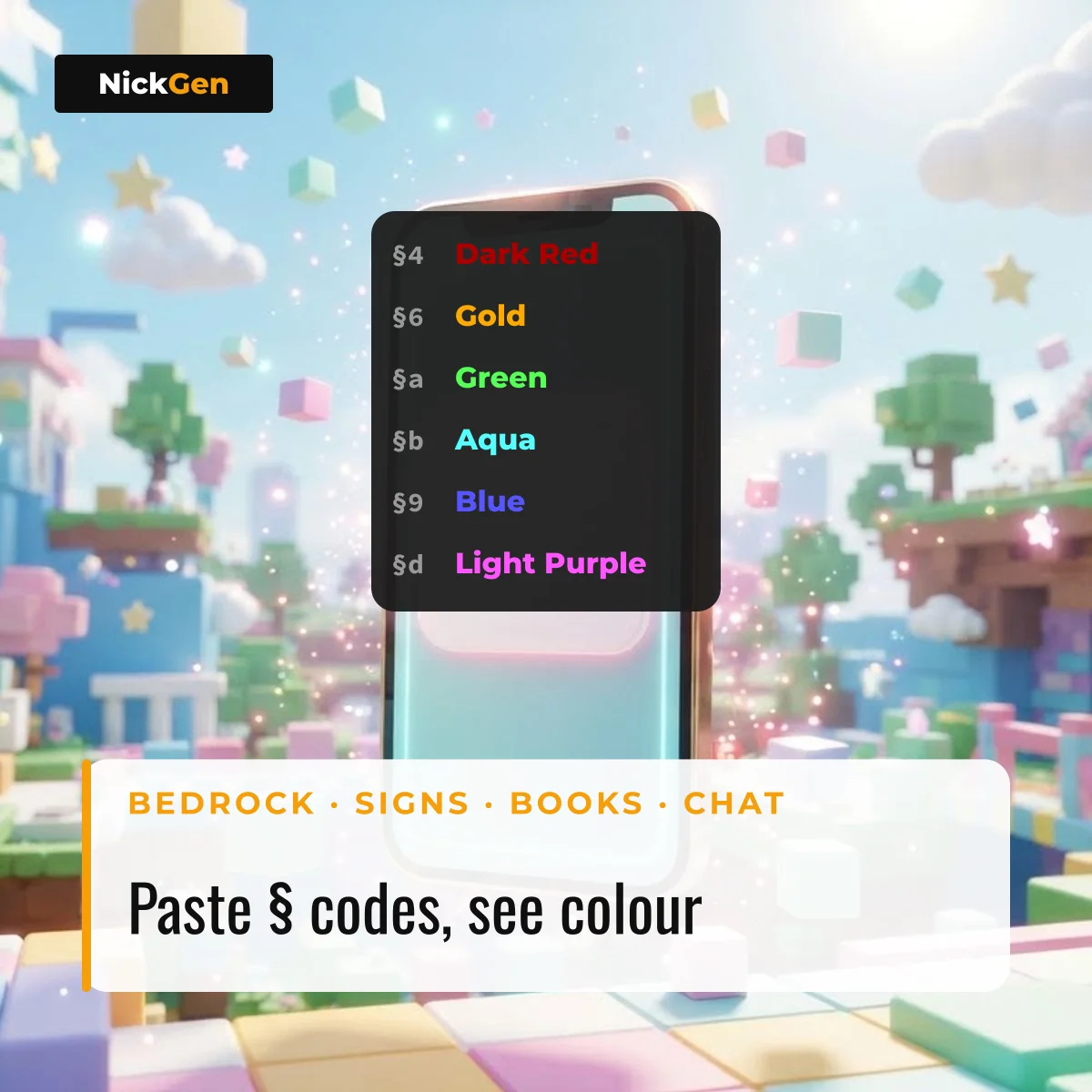
In Minecraft Bedrock Edition, § codes work in almost any text box: signs, hanging signs, books and quills, anvil names, name tags and chat. Player names and Realm names reject them.
In Minecraft Java Edition, typing § in normal chat is blocked and disconnects you, even in single player. Java uses § codes in server.properties (the MOTD), server names, world titles, resource-pack language files and splash text. For commands such as /tellraw and /title, Java uses JSON text instead, with a colour name like "color":"gold" or a hex value like "color":"#FF6A00", which Java Edition has accepted since version 1.16.
On multiplayer servers that run chat plugins, players type & instead of §, for example &6Gold, and the server converts it. That is why the charts above carry both columns.
How to type the § symbol
The § symbol is the section sign, and the quickest way to get it is to tap any code in the charts above. On a keyboard:
- Windows: hold Alt and type 21 or 0167 on the number pad.
- Mac: Option + 6 on a US keyboard.
- Linux: Ctrl + Shift + U, then a7, then Enter.
- Phone: long-press the & key on some keyboards, or copy it from this page:
FAQ
What is the code for gold in Minecraft?
The gold colour code in Minecraft is §6 (or &6 on servers with chat plugins), shown as #FFAA00 in Java Edition. Bedrock also has §g minecoin gold and §p material gold.
Why do color codes not work in Java chat?
Minecraft Java Edition blocks the § character in normal chat and disconnects the player who sends it. Use a server that supports & codes, or use JSON text in /tellraw and /title.
What does & mean in Minecraft color codes?
The & sign is a stand-in that server chat plugins convert into §, so &c and §c both give red text on those servers. Vanilla Minecraft does not convert & by itself.
Can you use hex colours in Minecraft?
Yes, in Java Edition JSON text since version 1.16, with “color”:”#RRGGBB” in /tellraw, /title or data packs. The § codes themselves only cover the fixed colours in the charts above.
Building names for a shooter instead of a sandbox? The Delta Force name ideas page applies the same copy-and-paste idea to a game with a strict name filter. For stylised names in any game, type a word into NickGen.