How to Change Your Roblox Username (Cost & Steps)
To change your Roblox username, open Settings → Account Info → Username, type a new one (3–20 characters, letters/numbers/one underscore) and confirm. Your first change is free; every change after that costs Robux. This is different from your Display Name, which has its own separate setting.
On this page
- Change your username, step by step
- How much does it cost?
- Username vs. Display Name
- Username ideas that pass
- FAQ
How to change your Roblox username, step by step
- Pick your new username first — copy one from the ideas below or style a word in the NickGen generator, then swap any symbols for a plain build (Roblox usernames don’t accept them).
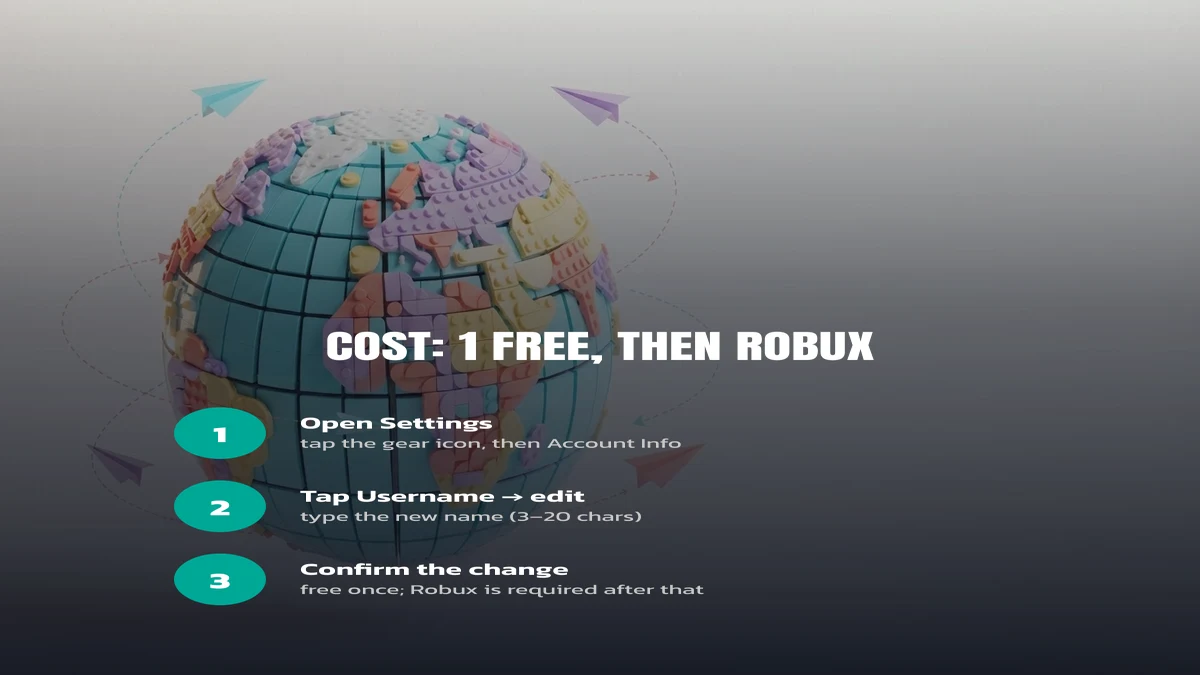
- On the app or roblox.com, open Settings (the gear icon).
- Go to Account Info, then tap your current username.
- Type the new username (3–20 characters, letters/numbers/one underscore) and tap Save.
- Confirm. If this is your first change, it’s free; after that, Roblox will ask you to confirm with Robux.
How much does a Roblox username change cost?
Your very first username change is free, for every account. After that, Roblox charges Robux for each further change — the exact amount is set by Roblox and shown on the confirmation screen before you pay, so check it there rather than relying on an old number; prices have moved before and can move again.
| Change | Cost | Notes |
|---|---|---|
| First username change | Free | One per account, ever |
| Every change after | Robux (amount shown at checkout) | Confirm the live price before paying |
| Display Name change | Separate from username cost | See the comparison below |
Username vs. Display Name — which one did you just change?
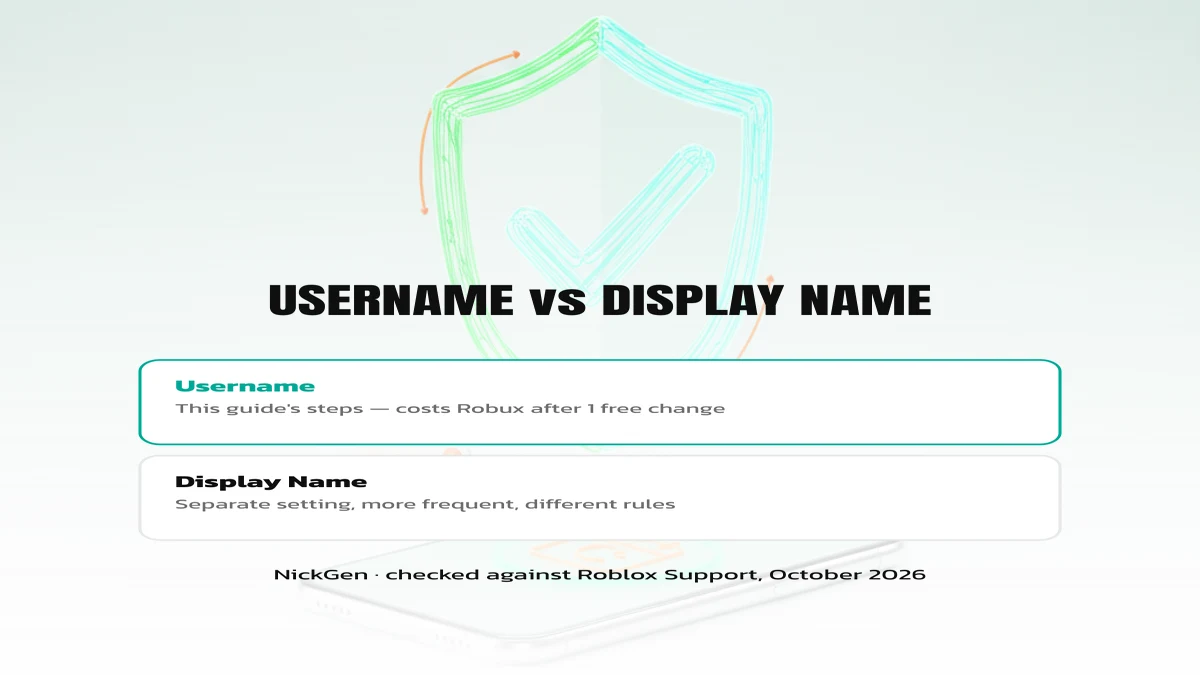
The steps above change your username: the permanent @handle friends search for, limited to letters, numbers and one underscore. Roblox also has a separate Display Name, shown above your character and in chat, which allows spaces and more Unicode letters (still filtered). Changing one does not change the other — if you wanted the stylised name shown in-world, you need the Display Name setting instead, one menu below Username in the same Account Info screen.
Username ideas that pass Roblox’s rules
Every idea below is letters, numbers and at most one underscore — no spaces or symbols, so it will save as a username as typed. Want the full generator, plus a stylised Display Name build for each one? See the Roblox usernames tool page.
Stylised Display Name versions
These versions of the same names use Display Name’s wider character set — paste them into Display Name, not Username, and preview before saving since Roblox’s filter can still reject a combination.
Changing a name in another game first? The blood strike free name change card guide covers that game’s Rename Card system, which works differently from Roblox’s Robux-based pricing. Or browse our full blood strike names list for a shooter-specific set.
FAQ
How do you change your username on Roblox?
Open Settings → Account Info → Username, type your new username and save. Your first change is free; later changes cost Robux shown at checkout.
How do you change your username in Roblox for free?
Only your very first username change is free, for every account. There is no other free route for later changes — Roblox requires Robux after that one.
How do you change your Roblox username if it’s already taken?
Add a number or an extra word — Roblox has well over 200 million monthly users, so short plain-English usernames are usually gone. Generate a few variants above, then try the exact string in the Username field.
Ready to pick a username? Type any word into NickGen and get both a username-safe build and a stylised Display Name build before you spend your free change.